Do-not-disturb aware
Only critical alerts pierce silent mode; the rest wait for morning.
Alerts
Mini Guard sends only alerts that a parent actually needs. Zone events, low battery, wristband removed, SOS — everything else stays quietly in the log.
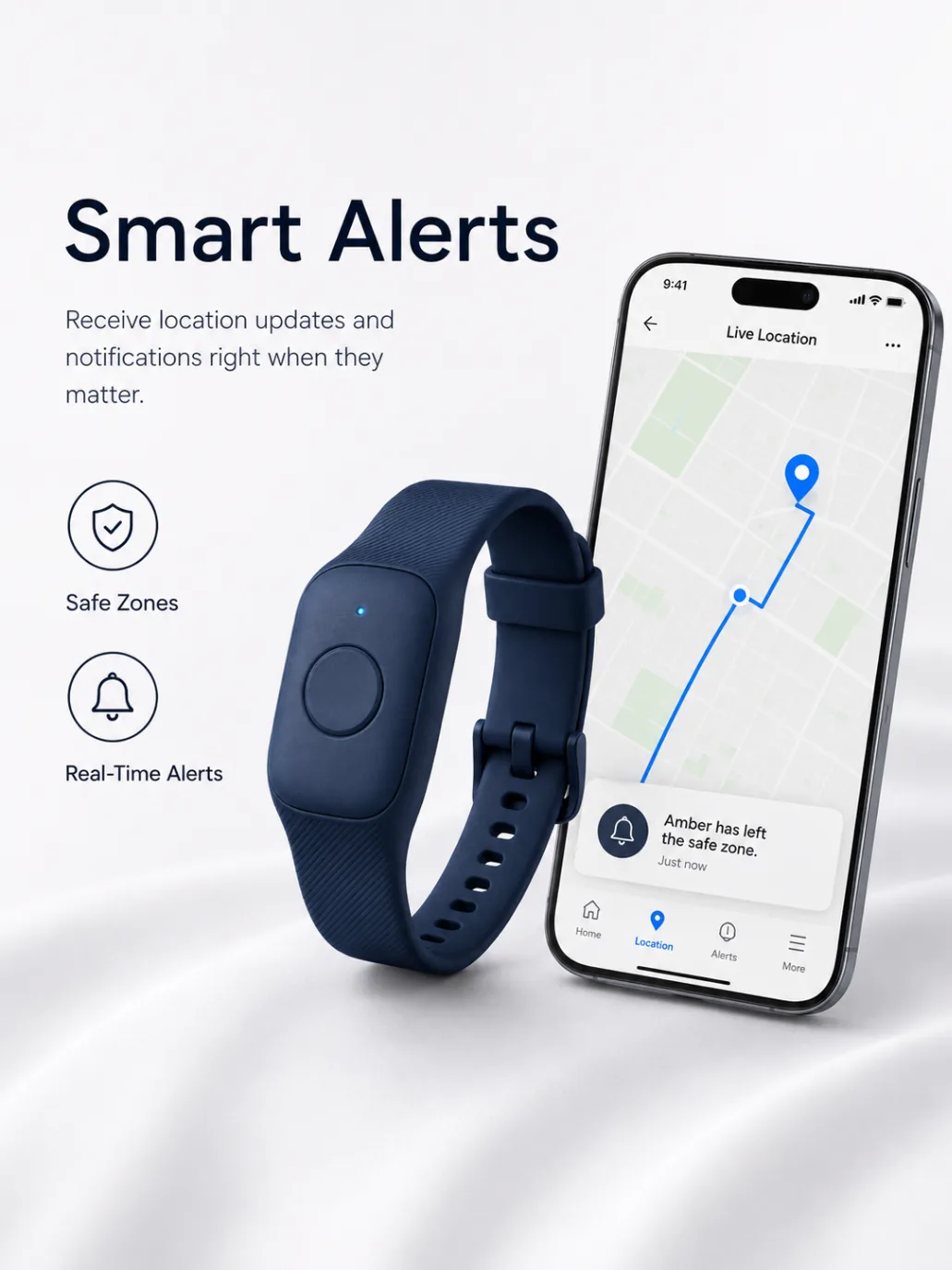
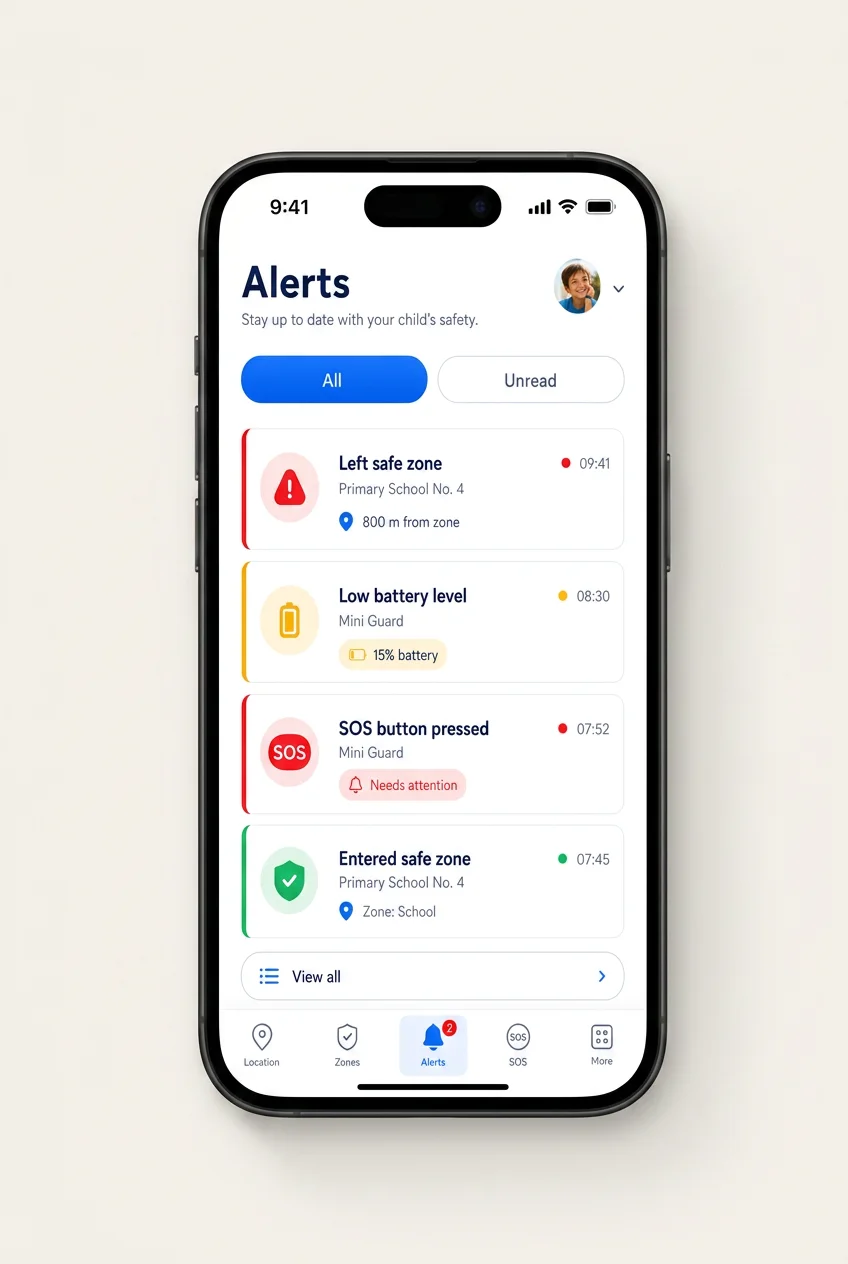
Alerts arrive as priority notifications and cut through do-not-disturb only for real events — SOS, zone exit at an unexpected time, tampering.
Only critical alerts pierce silent mode; the rest wait for morning.
Each parent, grandparent or nanny can choose which alerts they receive.
Snooze non-urgent alerts during meetings — SOS always wakes you up.
Every alert is logged with a timestamp and a location, so you can look back and understand what happened without stress.
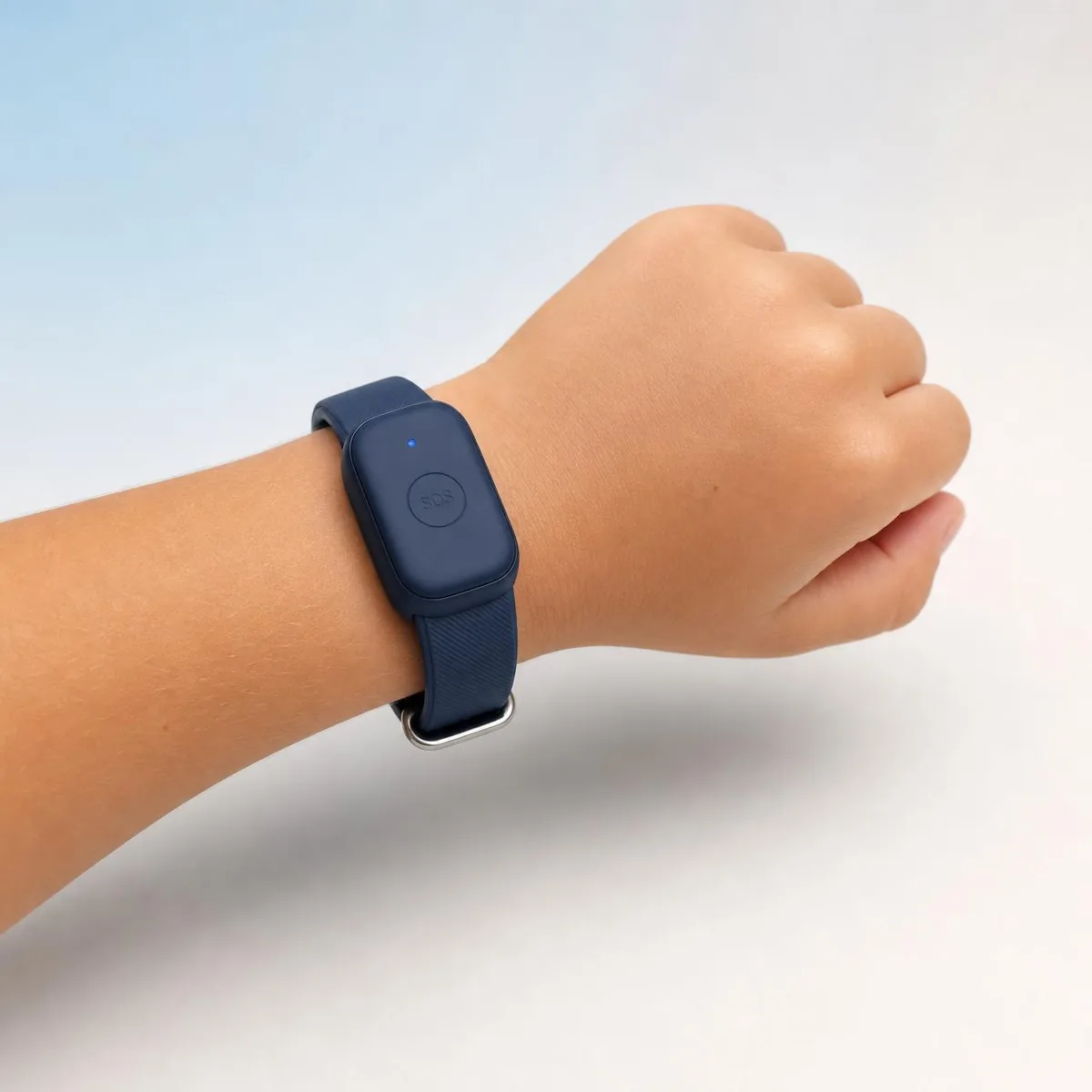
If the wristband is removed, guardians are notified within seconds.
A friendly reminder when the wristband drops below 20%.
Optional alert if the wristband loses signal for more than 15 minutes.
Alert types
Alerts
Press play to run through a typical morning. Priority events break through do-not-disturb; the rest stay quiet.
Lock screen
Take-off alert
Mini Guard senses when the band leaves the wrist and quietly notifies guardians with the last location — a gentle heads-up, not an alarm.
Space / Enter also works
Hold to simulate take-off
Wristband taken off
Last location · Park Jordana, Kraków
Mum
Primary guardian
Dad
Guardian
Notification feature, not a physical lock. The band is designed to come off — we just tell approved guardians when it does.
Automatic arrival & departure alerts
Save any place as a zone — school, home, grandma's, football club — and choose whether you want to be notified when your child arrives, when they leave, or both. School arrival in the morning and leaving in the afternoon is the canonical example: two calm notifications, sent automatically to every approved guardian, without you having to open the app.
You choose the notifications
Per zone: arrival, departure, or both. Toggle them any time from the app.
Automatic, not on-demand
Once a zone is saved, Mini Guard watches it — no button to press.
All approved guardians
Notifications go to every guardian you've approved for that child.
FAQ
Will I know when my child arrives at school?
Yes. Once you save school as a safe zone, Mini Guard sends automatic notifications when your child arrives and when they leave. You choose whether to be notified on arrival, on departure, or both, and the alerts go to every approved guardian on the account. Real timing depends on network conditions.